 VaultFlow 360
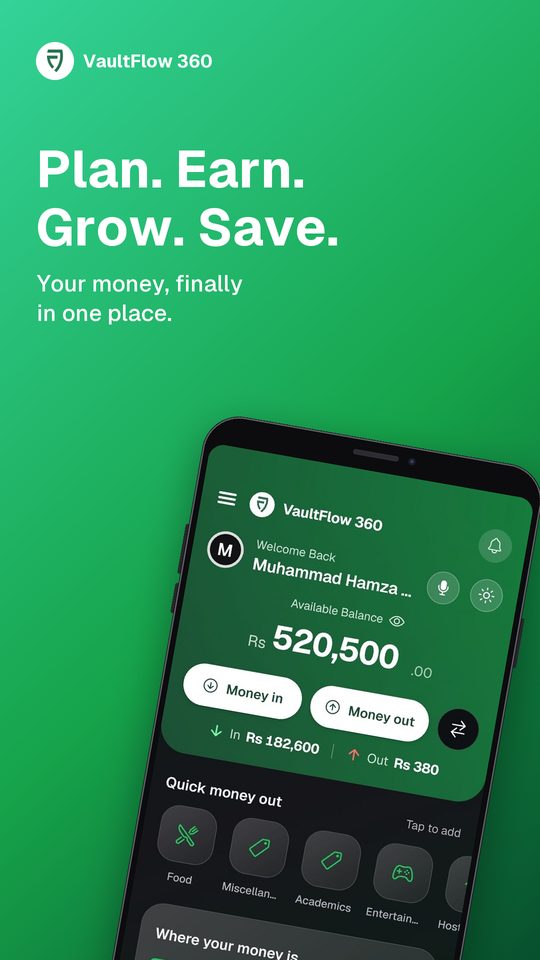
Bank alerts become expenses. Budgets warn you before you overspend. Loans are never forgotten. Say it, and it is saved.
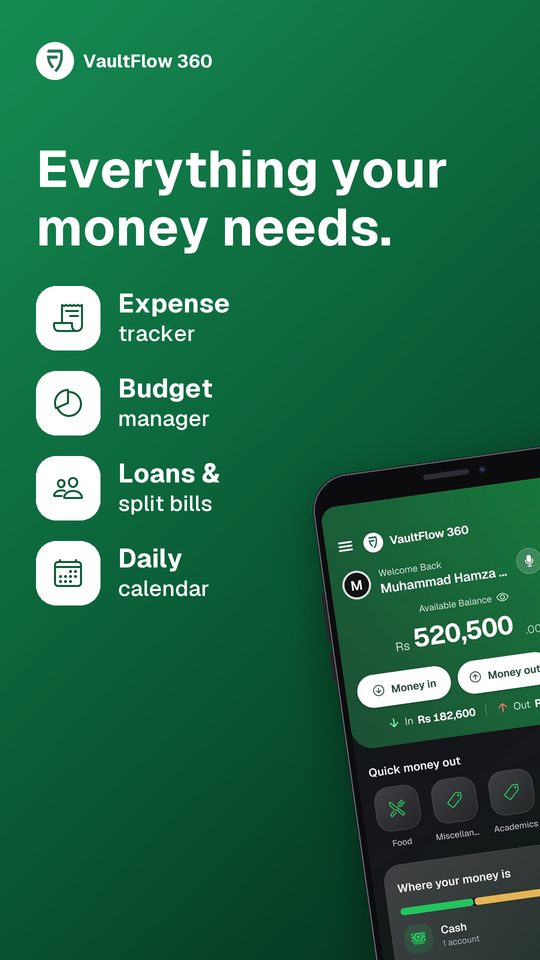
12features in one app
3ways to log a payment
0bank passwords asked
Everything your money needs.
Questions
What is VaultFlow 360?
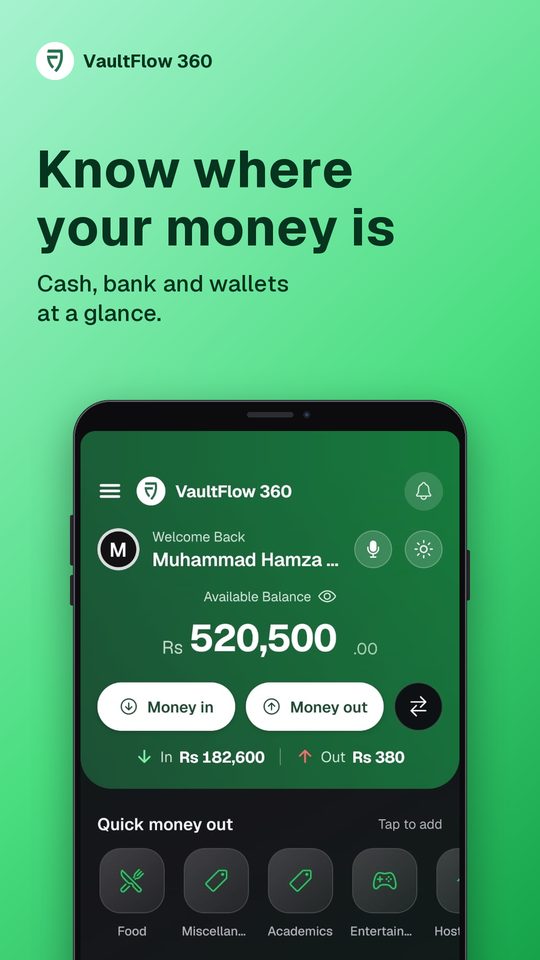
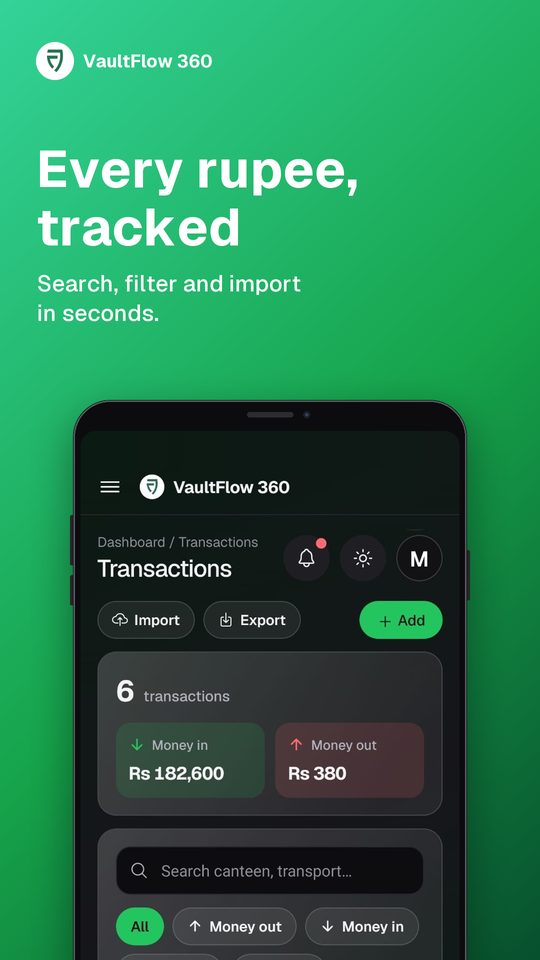
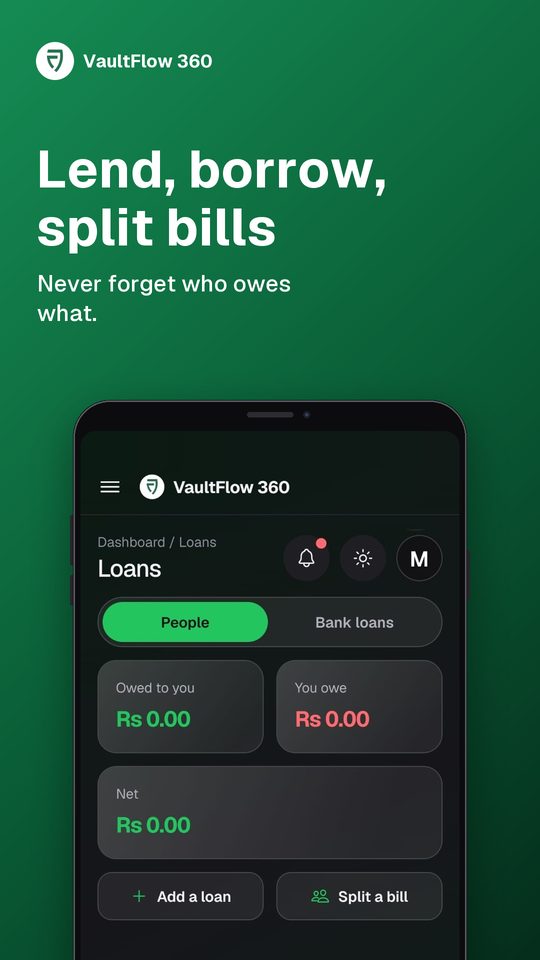
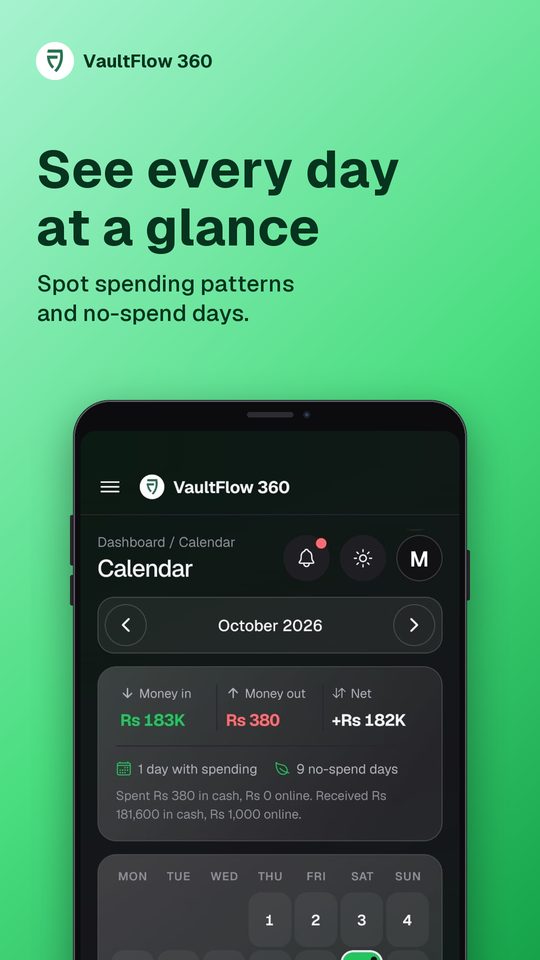
A budget, expense and money tracking app for Android. It logs income and spending, sets budgets, tracks loans and adds bank transactions from your bank alerts.
How do bank alerts get added?
You allow notification access once. When your bank app sends a debit or credit alert, VaultFlow 360 reads the amount and logs it. You choose: add automatically, ask first, or tap to add.
Does it work with my bank?
It recognises payment alerts from supported banks and mobile wallets, and matches each one to your account. You can always add a payment by hand or by voice.
What if I have no account for that bank yet?
VaultFlow 360 asks if you want to make one. You can enter the real balance later. It never invents a balance for you.
Is my data private?
Only the transaction is saved, not the text of the alert. You can delete your account and all its data from the app or the web.